Microsoft drops AC-3 (Dolby Digital) Codec support in Windows 11 version 24H2
Microsoft's Windows 11 operating system will not support the Ac-3 codec by default going forward. In a somewhat surprising and sneaky move, Microsoft announced the end of support on a support page.
There, Microsoft writes that "beginning with Windows 11, version 24H2, the AC-3 codec is no longer included with Windows". The removal of the code means that users may not play media content that relies on the codec on their devices using built-in players or some external players.
Microsoft does note that device manufacturers pre-install the AC-3 codec on their devices often. If that is the case, AC-3 support is available on these devices. The support page offers no explanation on the removal.
Third-party media players such as VLC Media Player support AC-3 out of the box. They do not rely on codecs integrated in Windows for playback. Integrated media players, such as Windows Media Player and Windows Media Player Legacy, only play media formats if codes are installed on the system.
Tip: you can check if your favorite media player supports AC3 by downloading a sample file from this website. Try to launch the audio file in the media player to see if it supports it.
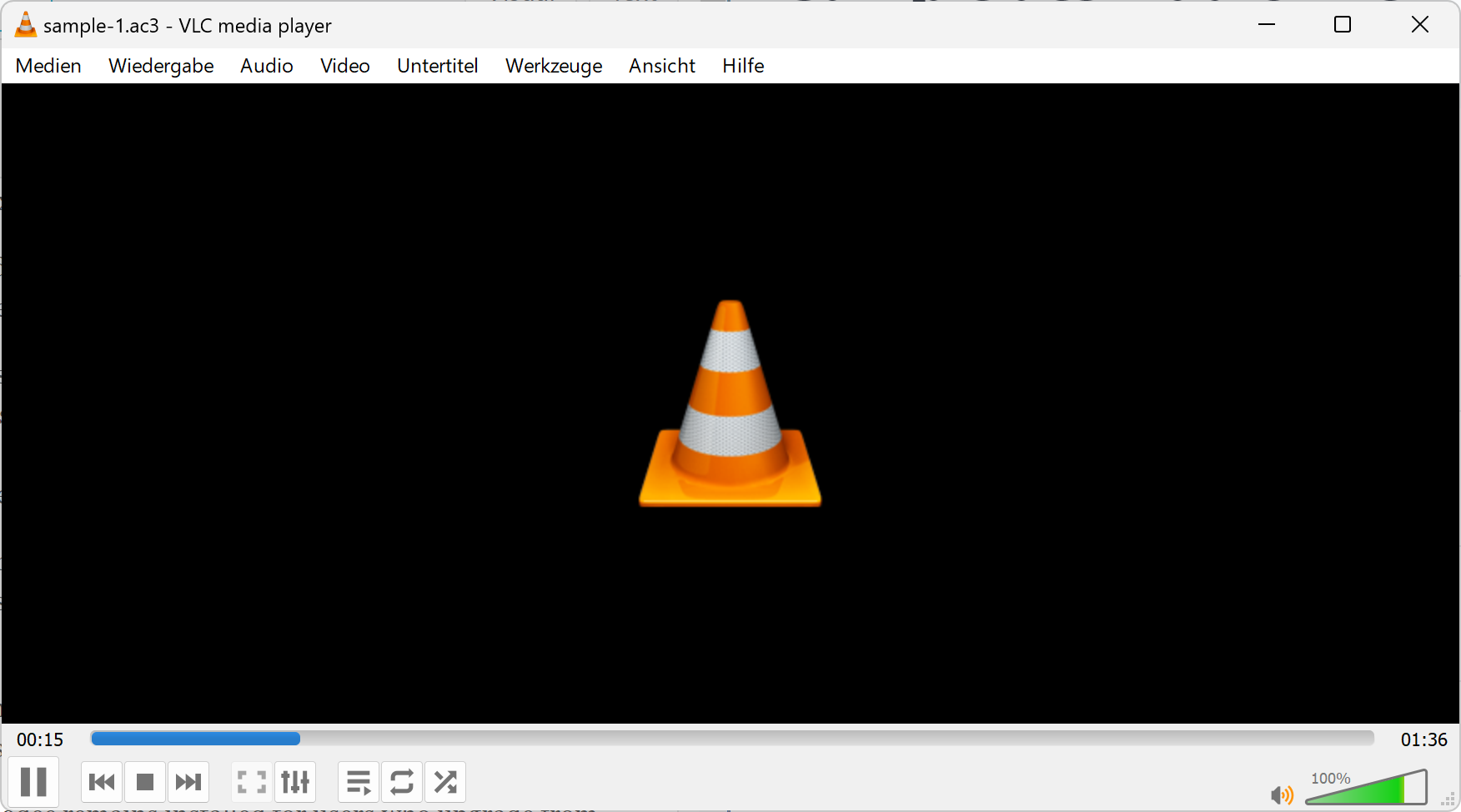
Windows Media Player and Windows Media Player Legacy should play the file as well, provided that the installed version of Windows is not 24H2.
Note: it is unclear if the codec remains installed for users who upgrade from older versions of Windows 11 to the new release.
How to add system-wide support for AC-3 in Windows 11 version 24H2
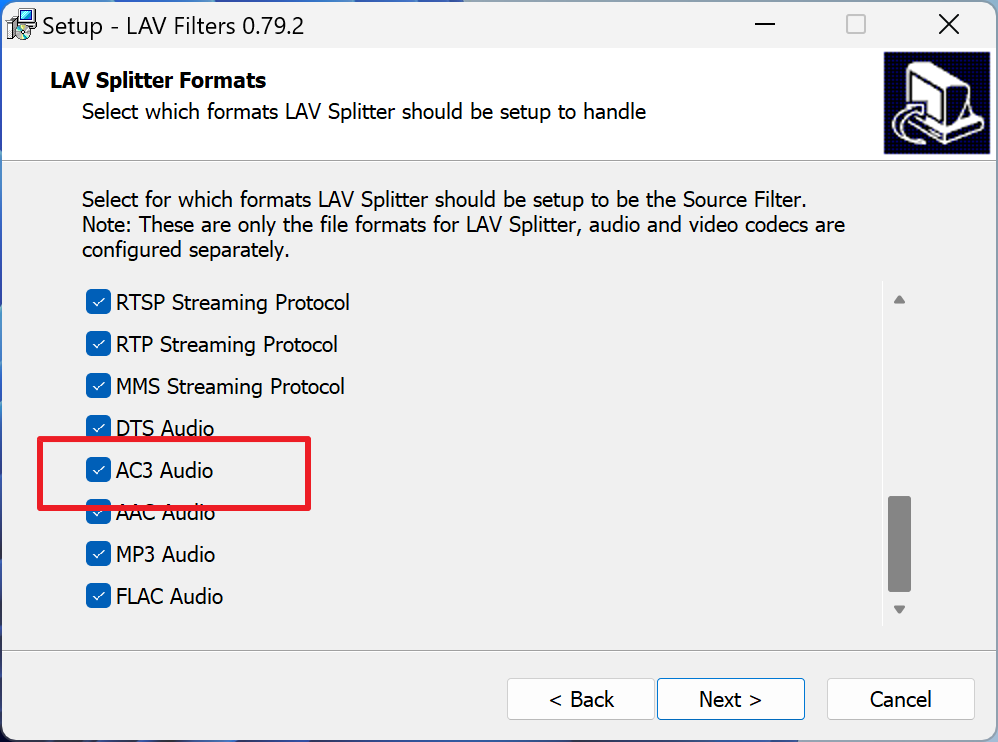
If you use a media player that relies on codes installed on the system, and does not come with its own pack of binary codecs, then you may install the missing AC-3 codec on the Windows 11 version 24H2 system to add support for it.
One of the best options is to install LAVFilters. It is an open source project that allows Windows users "to play virtually any format in a DirectShow player".
- Download the latest "installer.exe" version from the official project site at GitHub.
- Run the downloaded file to install the filters and add support for playing AC-3 files and many other formats.
- Keep the installation directory, or change it, and click on Next.
- Keep everything checked under "Select Components". You may also add H.264 MVC 3D Decoder, but this needs to be checked manually.
- Select Next.
- Select Next again when asked to pick a Start Menu folder, or check the "Don't create a Start Menu folder" box to prevent the creation.
- Click Next.
- Click Next again.
- Keep all supported formats checked and click Next.
- Select install finally to start the installation.
You may open the configurations of the filters after installation, but this is not required for functionality.
All Windows media players and other apps that rely on Windows-functionality to play media should now support AC-3 again.
Are you affected by the change? Which media player is your favorite on Windows?
RECOMMENDED NEWS

Microsoft shows another Bing popup advertisement to Windows users
Microsoft has done it again. This time, the company displayed a popup advertising its Bing search s...

Android on Windows: the best emulators for gaming
Would you like to play your favorite Android games on your PC? Run Android apps on PC to use them e...

How to block Windows 11 from encrypting drives during installation
A clean installation of Windows 10 or Windows 11 may enable Bitlocker drive encryption automaticall...

Chegg Sues Google Over AI Summaries, Citing Unfair Competition
Educational technology company Chegg has filed a lawsuit against Alphabet Inc.'s Google, alleging t...
Google Messages introduces 'Unsubscribe' button to combat spam
Google Messages is introducing a built-in “Unsubscribe” button aimed at providing users with an eff...

Microsoft enforces strict rules for bulk emails on Outlook
Microsoft has made a change to its email service to reduce spoofing, phishing, and spam activity. T...
Comments on "Microsoft drops AC-3 (Dolby Digital) Codec support in Windows 11 version 24H2" :