Is Google deliberately slowing down YouTube video buffering for adblock users?
Reports suggest that Google may have implemented yet another anti-adblocking technique on YouTube. After slowing down the loading of YouTube for people with adblockers and showing ad blockers are not allowed by YouTube popups, it appears that it may now also slow down the buffering of videos on the site.
Update: the issue appears to be caused by content blockers, in particular Adblock Plus 3.22 and AdBlock 5.17. Disabling these should resolve the issue. End
Users report that the video buffer is filling slower than usual and that this may lead to video playback stopping on YouTube. In other words, the video pauses because the buffer has to load more content to continue playing.
This happens on fast connections. Users who turned off their ad blocker to play the video reported that the buffering would return to normal.

Google has not commented on this yet. The previous implementations affected only some users on YouTube and not the entire userbase that uses ad blockers.
To find out if you are affected, try playing a video on YouTube and watch the buffer. If buffering appears slow, or to slow down, then you may be affected. For affected users, video playback will catch up to the buffer eventually, which results in playback stopping.
Turning off the content blocker and playing the video is one way of finding out if Google is slowing down the video buffer deliberately.
Even YouTube Premium subscribers appear affected by this, if they use an ad blocker. Turning off the ad blocker on YouTube should resolve this as well.
What you can do about it
Apart from buying YouTube Premium or leaving YouTube for good, there are some things that affected users may do.
First thing is that it is important that only one ad blocker is enabled in the browser. Multiple ad blockers may conflict with each other.
Switching to another browser or using private browsing mode may work, at least temporarily. Google seems to test the functionality at the time, which means that other configurations may not be picked for the test.
Other than that, you may also try a new breed of ad skippers instead. Extensions such as Ad Accelerator or Ad Speedup try to skip ads or fast forward them instead if that is not possible. It is technically not blocking and apparently not detected as content blocking.
Another option is to use YouTube frontends. These ad-free privacy-friendly services, for instance Invidious, or apps like NewPipe or Skytube, give you access to YouTube's entire database of videos.
Now You: do you use YouTube?
RECOMMENDED NEWS

The 10 best hidden Google Games that you can play in your browser
Google is known for a lot of things: search, advertisement, AI, Android, security and more. The com...

Windows 11 version 24H2 may block devices without SSE 4.2 support
Recent Windows 11 development builds include new hardware compatibility rules that block the operat...

ChatGPT no longer requires an account to use, but there are some limitations
OpenAI has announced a major change to its AI-based chat service. ChatGPT is now available for use ...

DeepSeek AI Exposed User Data and Chat Histories
According to cloud security firm Wiz, DeepSeek has secured an open database that exposed sensitive ...
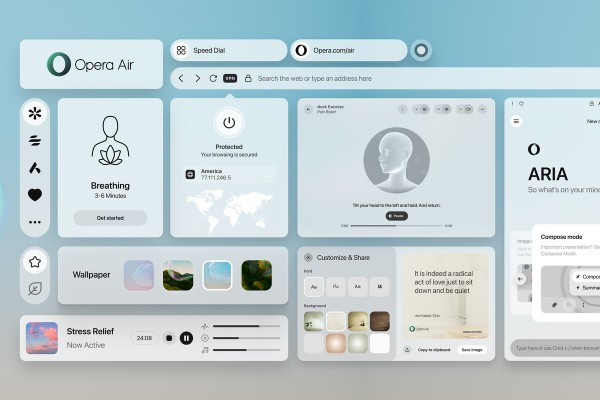
Redefining Browsing: Opera Air Merges Functionality with Mindfulness
Opera has unveiled a new web browser, Opera Air, which aims to redefine the browsing experience by ...

Microsoft revamps Game Bar on Windows, adds improved cloud gaming capabilities
Microsoft has rolled out a significant update to the Xbox Game Bar on Windows, introducing a more s...
Comments on "Is Google deliberately slowing down YouTube video buffering for adblock users?" :