Microsoft replaces Remote Desktop app for Windows with an app that is liked even less
Windows 11 users and administrators who want remote desktop connectivity can use the baked-in functionality. First, be enabling Remote Desktop on non-Home devices, and then downloading the Remote Desktop app for Windows to PCs to establish connections between the two devices.
This happened: Microsoft announced this week that it is retiring the Remote Desktop app at the end of May 2025. The app will be removed from the Microsoft Store and it won't be supported anymore.
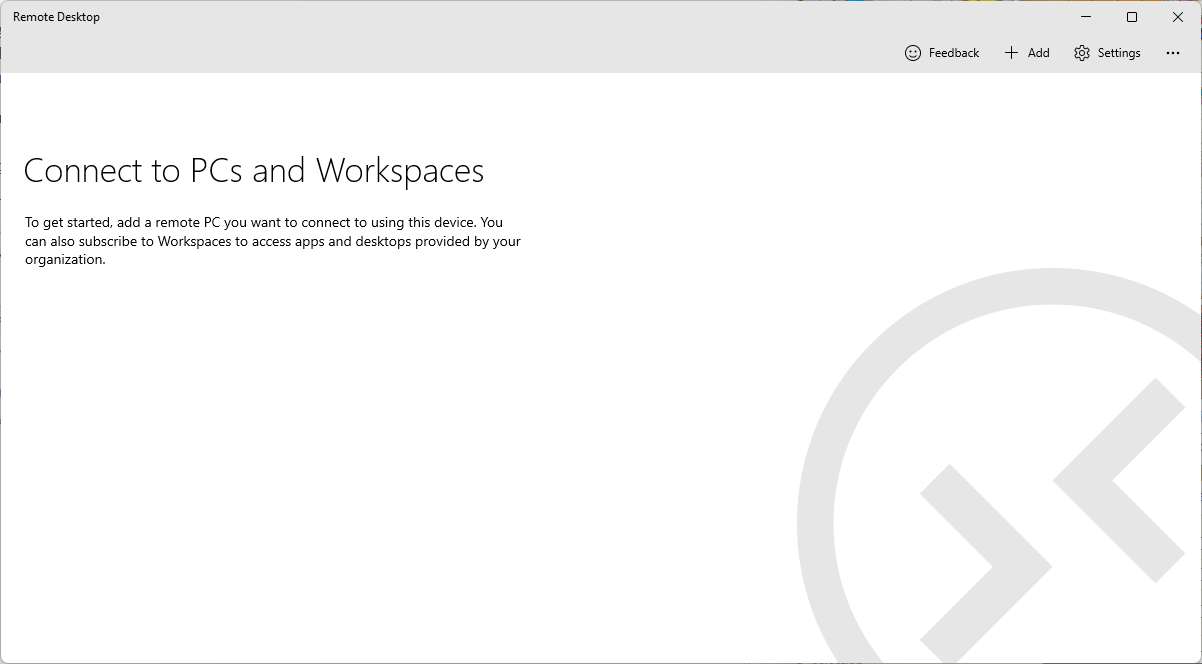
Microsoft says that users need to transition to the Windows app to "ensure continued access to Windows 365, Azure Virtual Desktop, and Microsoft Dev Box".
Microsoft highlights the improvements of the Windows app, stating that the new app provides users with "unified access to multiple Windows services" and offers "customizable home screens, multimonitor support, and dynamic display resolutions".
The problem: The new Windows app supports Windows 365, Azure Virtual Desktop, and Microsoft Dev Box only at this point. It does not support remote desktop connections or services at this stage. To make matters worse, the new Windows app requires a work or school account for use.
Microsoft maintains a list of known issues and limitations of the Windows App. The list includes the following points for the Windows Windows App.
- Resetting user data through the user interface is not supported (needs to be done via the Settings app).
- No local Windows Start menu integration.
- Private Link to Azure Virtual Desktop is not supported.
- SSO with Active Directory Federation Service is not supported.
- Connecting to Azure Government, Azure Germany, Azure operated by 21Vianet, or Azure Virtual Desktop (Classic) isn't supported.
- Windows App does not work in environments where proxy servers require proxy/HTTP authentication.
The rating of the Windows App in Microsoft's Store reflects the missing functionality. It has a rating of 2.6 out of 5 currently. Users complain that the app does not work with personal Microsoft accounts, and does not support RDP on local networks, while the Mac, Android, and iOS versions of the app do.
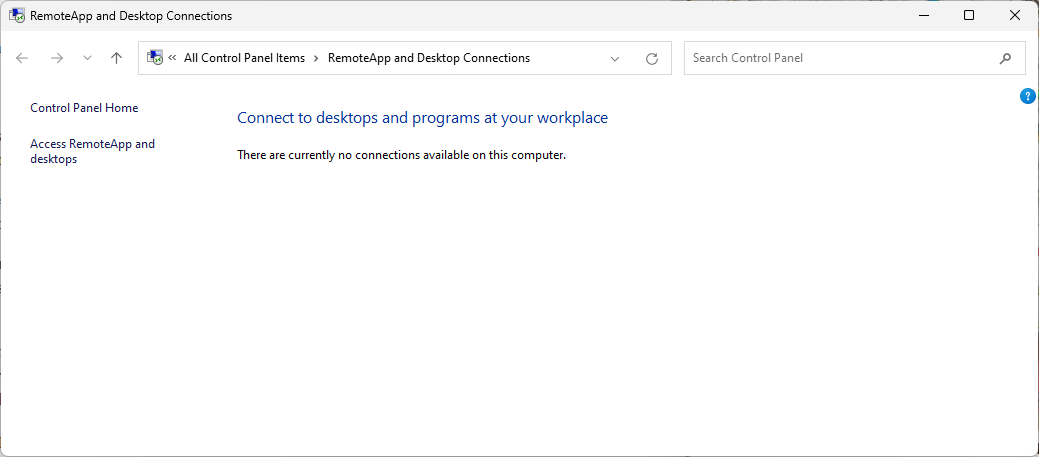
Microsoft recommends that remote desktop and remote desktop services users use the RemoteApp and Desktop Connections until the functionality is integrated into the Windows app. The functionality was introduced in Windows 7 and Windows Server 2008 R2, and it shows. It is integrated in the Control Panel of the operating system, and not the Settings app.
Now You: do you use the Remote Desktop app for Windows? What is your take on the change and the newer Windows App? Feel free to leave a comment down below.
RECOMMENDED NEWS

Microsoft sneaks ads into the new Outlook for Windows
The migration from the classic Mail and Calendar app to the new Outlook app is in full swing alread...
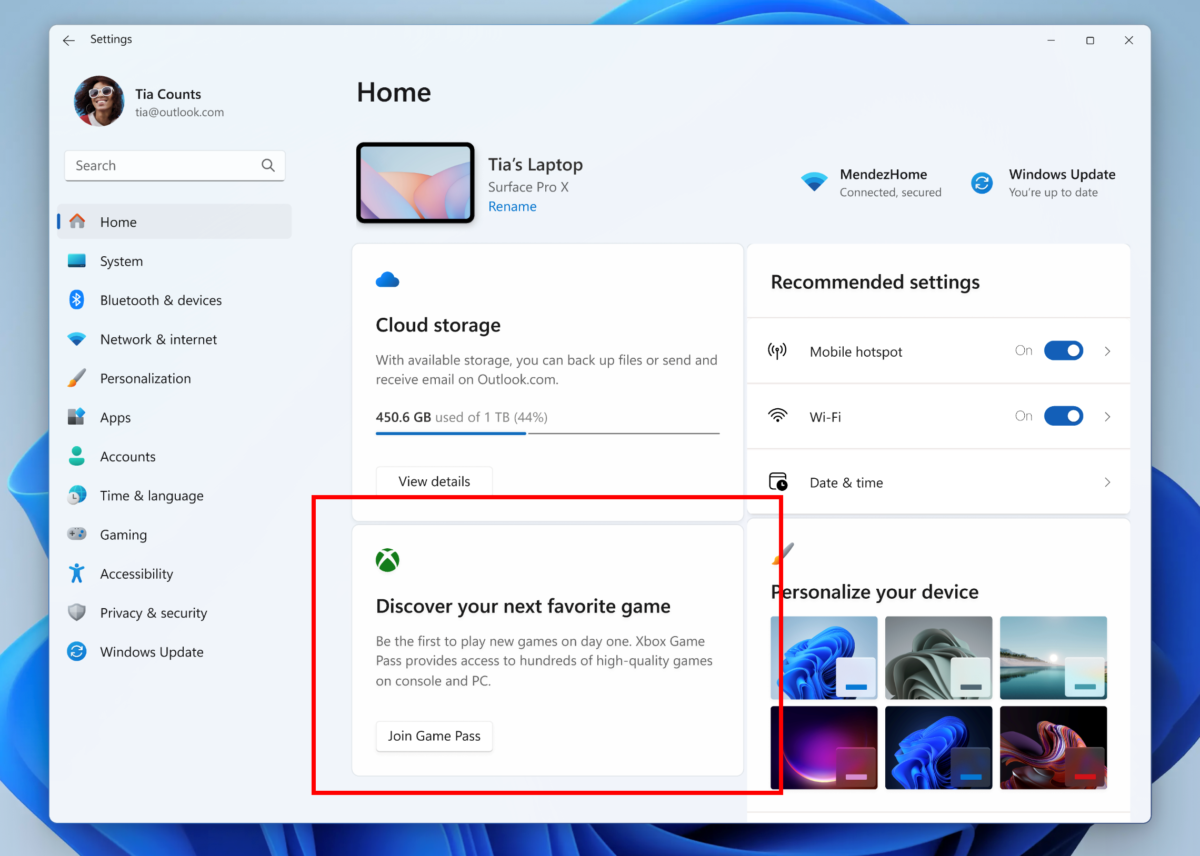
Microsoft is testing Game Pass ads on the Settings homepage
Look, another advertising test in Windows 11. Microsoft launched a new build to the Windows 11 Insi...
Microsoft releases the October 2024 security updates for Windows
Microsoft has released the October 2024 cumulative updates for all supported versions of the Window...

Big Year for Age of Empires Fans: New Expansions Coming in 2025
Microsoft has unveiled exciting plans for the "Age of Empires" franchise in 2025, including major e...
Microsoft 365 prompts urge users to back up files to OneDrive
Microsoft is set to roll out new prompts in its Office apps including Word, PowerPoint, and Excel, ...

Microsoft replaces Remote Desktop app for Windows with an app that is liked even less
Windows 11 users and administrators who want remote desktop connectivity can use the baked-in funct...
Comments on "Microsoft replaces Remote Desktop app for Windows with an app that is liked even less" :