If you run an old version of Windows 11, Microsoft may force-upgrade your system
Every version of Windows is someday reaching its end of life. For Windows 11, that is after two years for consumer-based editions of the operating system.
A few things may happen when a version of Windows 11 reaches end of life:
- Microsoft does not release security updates or any other update for the version anymore.
- Microsoft may force upgrade the system to a new version that is still supported.
This process makes a lot of sense for the majority of customers. Systems that are not supported anymore may have unpatched security issues that threat actors may exploit. This is especially true for systems that go online regularly.
For some customers, it is a question of staying in control to upgrade when they want to. This can be a question of timing or testing. Whatever the reason, they do not want their systems to be upgraded automatically.
Windows 11, versions 21H2 and 22H2 affected
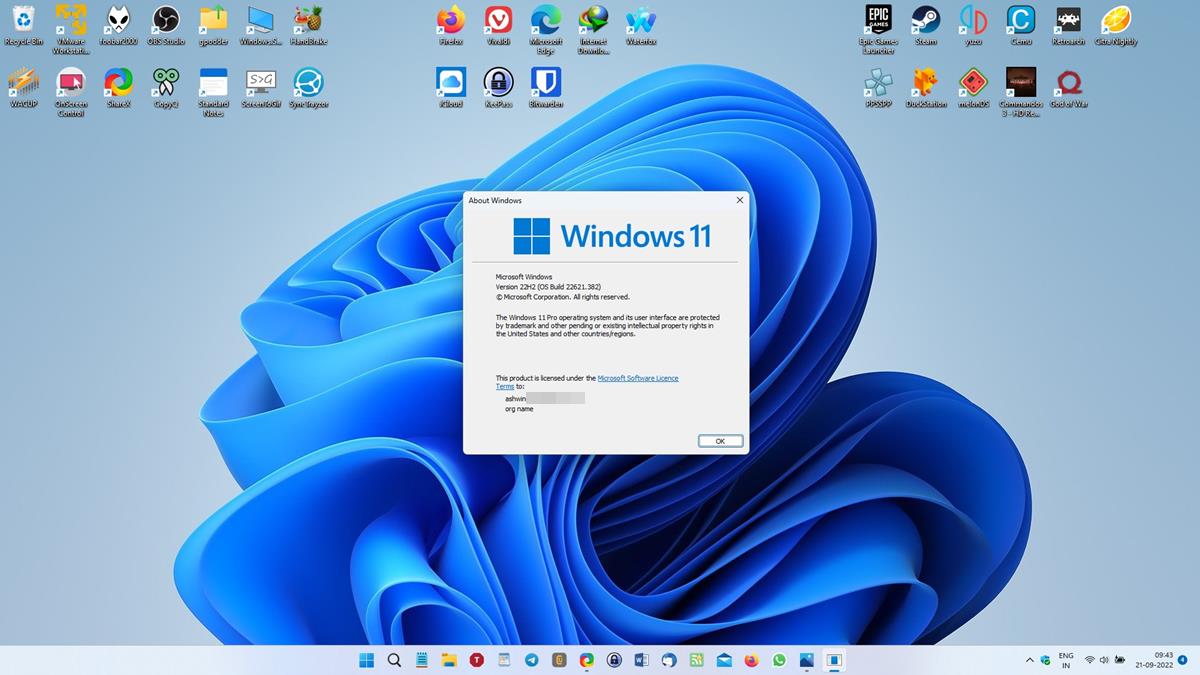
Microsoft confirmed today that systems running the original release version of Windows 11 or the first feature update version will be upgraded automatically next month.
Why two versions?
- Windows 11, version 21H2 applies to Enterprise, Education, and IoT Enterprise systems only.
- Windows 11, version 22H2 applies to Home and Pro systems only.
When is this going to happen?
The October 2024 update will be the last for the mentioned versions. They will receive a last batch of security updates on October 8, 2024.
After October 8, 2024, Windows Update will download and install Windows 11, version 23H2, automatically on those devices.
Are there exceptions?
The forced updates are only installed on devices that are not managed. Managed refers to devices managed by IT departments for the most part.
There may be other exceptions:
- Devices that do not meet the system requirements of Windows 11.
- Devices on which Windows Update is disabled or configured to block automatic updates.
Closing Words
It is easy enough to upgrade Windows to a new version manually. All you have to do is open Start > Settings > Windows Update, and activate the check for updates button. If a new version is available, it should be listed. You may then proceed to download and install it on the device.
If that does not work, for whatever reason, you may download the Windows 11 Installation Assistant or Windows 11 Installation Media from Microsoft.
Windows 11, version 23H2 introduced Copilot on the system. The AI feature offers an almost identical functionality to the web-based Copilot chat. Still underwhelming, at least from the perspective of a Windows user. Other changes include the new Windows Backup app, which backs up specific folders and data only, and some smaller changes.
Which version of Windows do you run on your devices? Any particular reason for that? Feel free to leave a comment down below.
RECOMMENDED NEWS

The Windows December 2023 security updates fix a 0-day vulnerability
Microsoft released security updates for all supported Windows operating systems and other company p...

KeePassXC adds support for Passkeys, improves database import from Bitwarden and 1Password
KeePassXC has been updated to 2.7.7. The latest version of the open source password manager adds su...

Chrome extensions may slow down browsing significantly
Extensions are one of the greatest strengths of web browsers. They allow users to extend functional...
Apple Set to Launch ‘Confetti’—A New iCloud Invites Service This Week
Apple is preparing to launch a new iCloud-based events and invites service called "Confetti," which...

Nvidia's New RTX 50-Series Cards Discontinue Support for 32-Bit PhysX
Nvidia's latest RTX 50-series graphics cards—the RTX 5090, 5080, and 5070 Ti—have officially discon...

Windows 11’s Copilot Gets a Native Makeover with New Features
Microsoft has announced a major upgrade to its Copilot AI assistant for Windows 11, transforming it...
Comments on "If you run an old version of Windows 11, Microsoft may force-upgrade your system" :