Chrome extensions may slow down browsing significantly
Extensions are one of the greatest strengths of web browsers. They allow users to extend functionality, but this comes at a cost. A test of the 5000 most popular Chrome extensions showed that extensions may slow down the browsing experience significantly, with one notable exception.
The team at Debugbear analyzed the performance impact of Chrome extensions in various ways, including impact on CPU processing and website load time.
Here are the key findings:
- Even on basic websites, some Chrome extensions added 500ms or more to the processing time.
- 86% of tested extensions have minimal impact on simple websites.
- 1.7% of extensions add 500ms or more to the processing of simple websites.
- On complex websites, processing time reached 2000ms.
- The impact may be cumulative, which means that multiple extensions may impact the experience more.
- Popular extensions with high processing times: Honey Automatic Coupons, Klarna Pay Later, Monica - Your AI Copilot, Capital One Shopping, Popup Blocker, Dark Theme, Malwarebytes, Dark Reader, DDG Privacy Essentials.
- One type of extension reduces website processing: content blockers.
- Extensions may impact any browser, including other Chromium-based browsers and Firefox-based browsers.
Impact on website load time
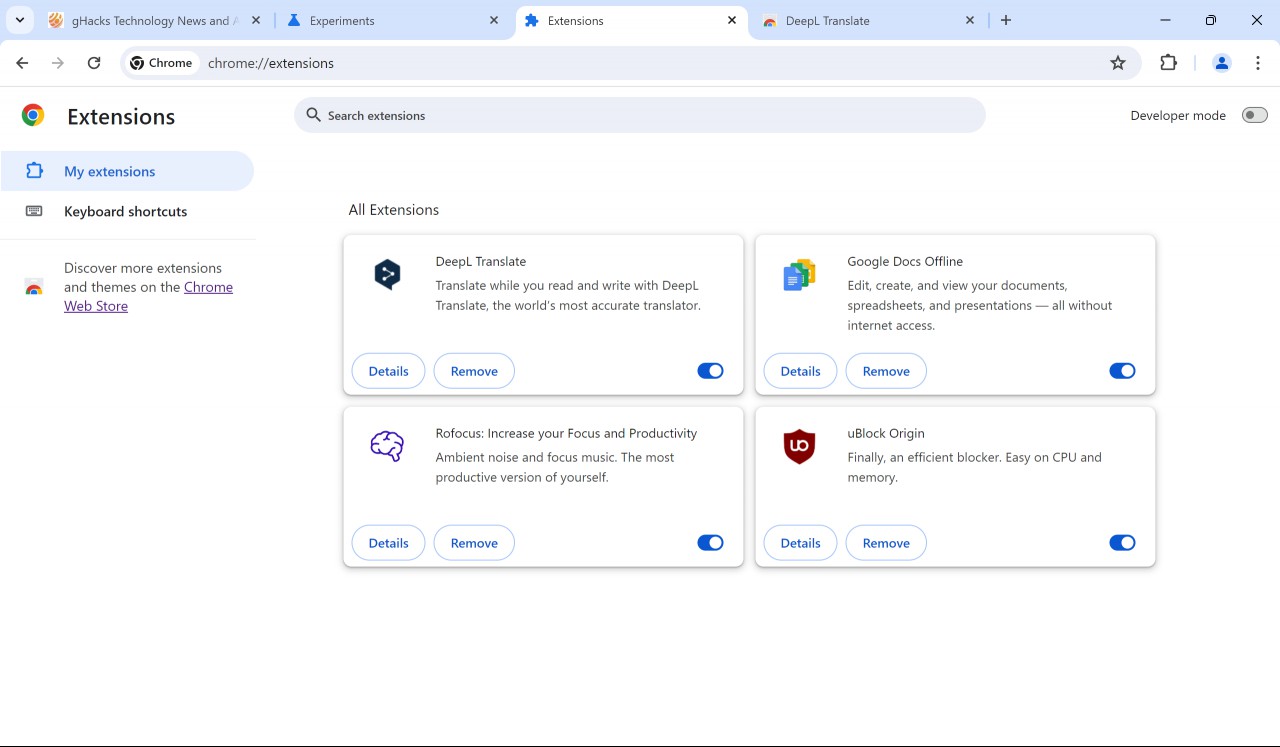
Browser extensions may slow down the website load time, especially if they are designed to run as the page starts loading instead of when the page content is displayed to the user.
- Extensions may add up to 1000ms to the loading of simple websites.
- Chrome extensions may also delay interactions after a website has loaded, but these are less common and the impact is less than 50ms for all but a select few extensions.
This delay is noticeable to the user, as it takes longer before website content is displayed by the browser.
Most content blockers improve the user experience
Content blockers improve the CPU processing of websites and the page download site significantly, especially on ad-heavy websites.
- Some content blockers reduced the processing time of 50+ seconds to a few seconds.
- Most reduced the page size from 40+ MB to less than 5 MB.
- Most reduce memory consumption.
- Notable extensions that performed well were: uBlock Origin, ScriptSafe, Privacy Badger, Malwarebytes.
- The popular AdBlock Plus and AdBlock extensions performed worse, and not much better than the browser without extensions.
Reason for AdBlock Plus' weak performance is the acceptable ads program, which allows some ads to be displayed while the content blocker is active. This can be disabled, which should improve performance.
Reason for ScriptSafe doing best is that it blocks JavaScript by default.
Other findings
The researchers analyzed the storage use and impact on browser functionality as well.
- 86.6 percent of Chrome extensions use less than 10MB of storage.
- 2.2 percent of Chrome extensions use more than 50MB of storage.
- 6 extensions with more than 1 million break back/forward cache: LastPass Password Manager, Avast Online Security, Avira Browser Safety, Norton Password Manager, Snap & Read, Microsoft Editor.
Closing Words
Installation of browser extensions may impact the processing and loading of websites. This has been known for some time, but still important.
Content blockers improve both metrics, as they block mostly JavaScript-heavy content from loading in first place.
Some extensions may delay the loading of websites by 1 second or more. While those are the exemption, users who run these may want to consider finding alternatives that have less of an impact.
Another useful option is to limit extensions to run on certain sites or only "on click".
What about you? Do you run browser extensions? Do they impact the loading of websites?
RECOMMENDED NEWS

Germany: Cancellation of online subscriptions must be possible without logging in
The termination of online contracts must be possible without logging in to the website of a service...

Apple releases iCloud Passwords extension for Firefox, but only for macOS Sonoma
Apple has finally released the iCloud Passwords extension for Firefox, well over a year after it wa...

WhatsApp Designated as 'Very Large Online Platform' Under EU's Digital Services Act
WhatsApp has been designated as a Very Large Online Platform (VLOP) under the European Union's Digi...
Garmin's new subscription service sparks backlash from users
Garmin has stirred controversy with its recent announcement of a subscription service, Garmin Conne...
Microsoft: 68 percent of users who sign in with passwords fail
Did you ever try to sign in to an online account or a device and it simply would not work? Sometime...

Microsoft shares official guide on fixing Windows Blue Screen errors
Fixing Blue Screen errors in Windows can be one of the most frustrating experiences. While it is so...
Comments on "Chrome extensions may slow down browsing significantly" :