You can remove Recall from Windows if you do not want it (Update: or not)
Microsoft is currently preparing a second version of its controversial AI-feature Recall. The company hopes to get it right this time.
A look back: when Microsoft announced Recall
A quick refresher. Microsoft unveiled Recall back in May when it showcased the new Copilot+ breed of PCs. Recall was the major feature of Copilot+ PCs.
The feature was on by default to take a screenshot of the entire screen every five seconds. Only a few apps were exempt from having screenshots taken. Users could then interact with the Recall feature to interact with the content.
Natural questions, e.g., what was the name of the website that I bought that nice pair of shorts on, would be answered by the AI. While that sounded useful to some, it sounded creepy to others.
It did not help that the database that Recall used was not secured properly. The fear of malware snatching the entire database and thus a user's activity on the PC turned out to be real.
Back then, I said that Microsoft needed to make Recall opt-in. This would have meant, that Recall would not start taking screenshots immediately on all systems. Users who wanted to use it could enable it, everyone else and their activities and data was unaffected otherwise.
Microsoft pulled Recall two weeks later to go back to the drawing board. The company announced that it would improve security of the feature and look at other improvements as well.
Microsoft announced this month that it would release Recall in October. This time, it would not bypass development builds of Windows, but launch Recall in Insider builds first. The decision keeps Recall from entering systems as part of the Windows 11 24H2 feature update.
Recall will be opt-in and you can uninstall it
Update: Microsoft told The Verge that users won't be able to remove the Recall app after all. Microsoft said that the listing was a bug and that it would remove the app from the features menu in the future. End
Microsoft admitted already that Recall would launch as an opt-in feature. While it remains to be seen how Microsoft markets it, it is a good move.
Our colleagues over at Deskmodder have discovered that Recall can also be uninstalled from Windows. Up until now, administrators could only block Recall or deactivate the feature in the Settings.
The update KB5041865 for Windows 11 version 24H2 brings the option to remove it. This is done via the installed features window, and not the installed apps settings page.
You find it by typing features when you open the Start menu. There you should see Recall listed as one of the features that you may install or remove.
Note: Deskmodder operates from the European Union. It is unclear at this point whether users from other regions will also be able to remove Recall from their Windows systems.
What is your take on Recall? Do you plan to use it or is this something that is of no interest to you? Feel free to leave a comment down below.
RECOMMENDED NEWS
Authy authenticator apps for desktop are being discontinued in March 2024
Twilio has announced that it is discontinuing its Authy desktop apps in March August 2024. The chan...
The end of Windows 11's Recall AI feature? Microsoft postpones launch
When Copilot Plus PCs launch next week, it will be without the controversial Recall feature. Re...
Windows 11 version 21H2 and 22H2 will reach end of support in October, forcing an automatic upgrade to 23H2
Microsoft has announced that it will stop servicing Windows 11 version 21H2 and 22H2 later this yea...
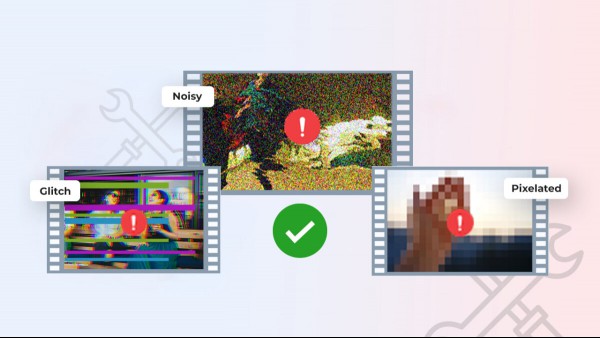
Safeguarding Your Memories: Tackling Video File Corruption
You've just returned from an unforgettable vacation, and you're eager to relive those moments throu...
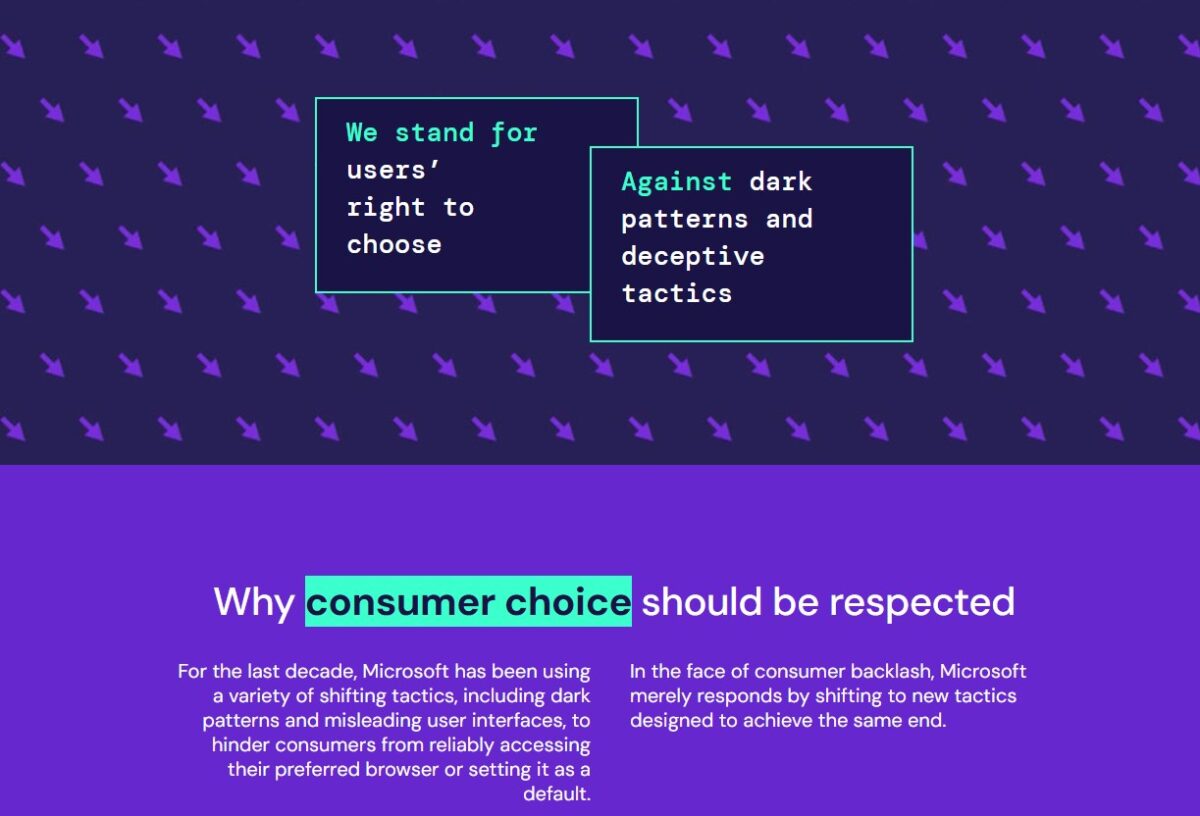
Chrome, Opera, Vivaldi, Waterfox and Wavebox join hands to fight against Microsoft Edge
Chrome, Opera, Vivaldi, Waterfox and Wavebox join hands to fight against Microsoft Edge have create...

Google pushing "Ad blockers violate YouTube's Terms of Service" banners on YouTube
It has been almost a year since Google started to implement changes on YouTube to block content blo...
Comments on "You can remove Recall from Windows if you do not want it (Update: or not)" :