The latest Windows 11 Security Update fails to install for some users
Microsoft has just confirmed a Windows Update issue that affects the company's Windows 11 operating system. Some users may experience issues installing the most recent security update for the operating system.
Microsoft released the security update on February 13, 2024 as part of its February 2024 Patch Day. The update, which has the ID KB5034765, is the most recent cumulative update for Windows 11 at the time of writing. It is offered for devices running Windows 11 version 22H2 and 23H2.
The update fixed 41 unique security issues in both operating system versions. Two of the issues are rated critical, which is the highest rating available. Apart from security fixes, the update moved the Copilot for Windows icon to the right side of the taskbar. The feature is rolling out gradually to all devices with the security update installed.
Microsoft did not list any known issues at the time for the update. The issue happens if the update is downloaded through Windows Update and also if it is downloaded manually. Deleting downloaded Windows Update files does not resolve it.
KB5034765: the issue
The installation of the update may fail on Windows 11 devices. Microsoft says that users may notice that the update fails at exactly 96% and that users may get the error message "Something didn’t go as planned. No need to worry – undoing changes. Please keep your computer on" on the screen.
Windows administrators who check the Event Log of the system may see the error code 0x800F0922 there, which confirms it.
Microsoft says that deleting the hidden folder C:\$WinREAgent on the Windows device fixes the issue. Administrators may need to restart the operating system to complete the deletion of the folder.
The cumulative security update should install without the issue afterwards. Administrators may need to open Settings > Windows Update to install it again. It may be necessary to activate the "check for updates" button there to reveal it again.
The Windows Release Health website offers no explanation on the issue. While it is clear that the folder C:\$WinREAgent plays a role, it is unclear which.
Deleting the $WinREAgent is a common remedy for issues with specific updates for Windows. The folder contains temporary files that are created as part of update processes on Windows devices. The removal is temporary only, as it will be recreated the next time updates are installed on the device.
Closing Words
Microsoft says that it is working on a permanent solution for the issue. Affected Windows 11 users may want to follow Microsoft's advice and delete the hidden system folder before retrying the installation of the update on the device.
Now You: did you run into update issues recently?
RECOMMENDED NEWS

Marginalia is a search engine that you should check out
Marginalia is not your typical search engine. Major search engines like Google Search or Bing Searc...

Streaming Enhanced skips ads on Netflix, Prime Video, Disney+ and co
Most online streaming services started to offer plans with ads recently. These plans are separate o...
Brave Browser: strict fingerprinting protection will be removed
Brave Software announced that it will remove the strict fingerprinting option from its Brave Browse...
Microsoft starts rollout of Windows DMA compliance changes in Europe
Microsoft has started the rollout of Windows changes for users in the European Economic Area to com...
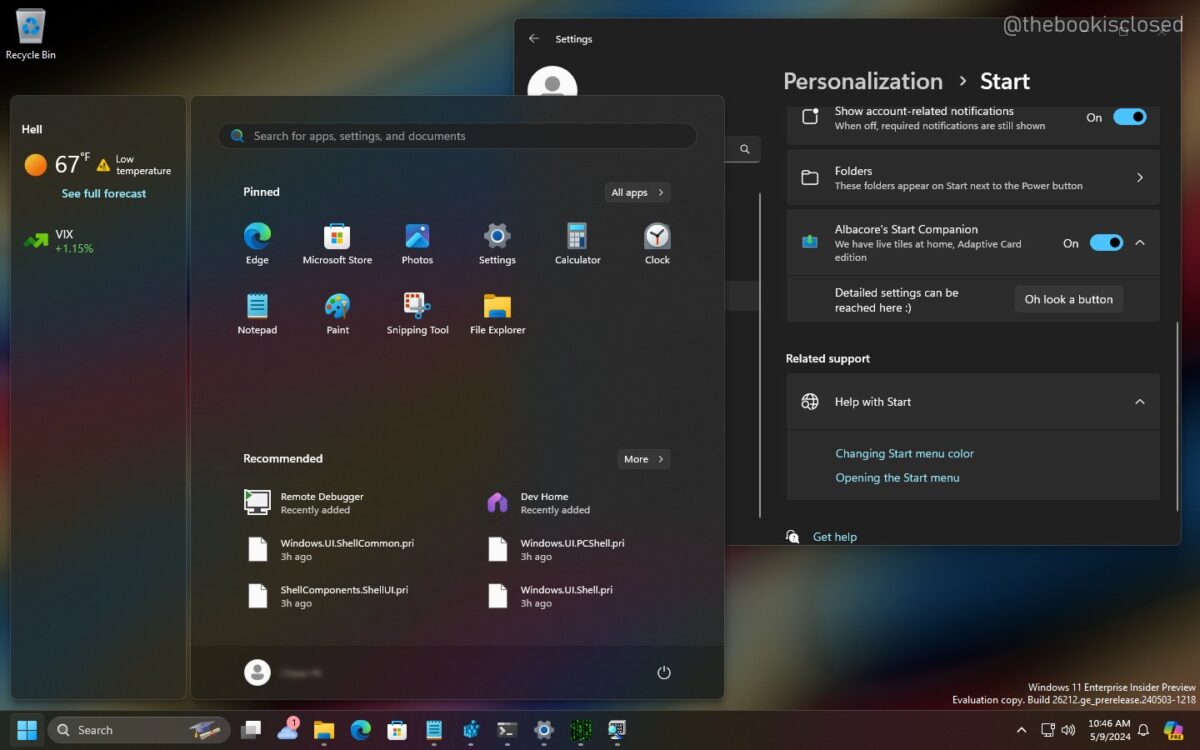
Windows 11's Start Menu could soon show information in a floating sidebar
Microsoft introduced support for what it calls Start Menu Companions in a recent Windows 11 beta bu...

Nvidia updates its app with lots of improvements targeting display settings
Nvidia has released version 11.0.2 of its new application, which combines the functionality of GeFo...
Comments on "The latest Windows 11 Security Update fails to install for some users" :