Brave Browser 1.63 launches with vertical tabs on right support and more AI
Brave Software released a new version of its Brave Browser to the public. Brave Browser 1.63 includes several new features and improvements of existing features.
Highlights include that vertical tabs may now be placed on the right side of the interface, new Brave Leo AI capabilities, and the option to sync tab groups
The browser update is pushed to devices automatically, thanks to the integrated updating functionality. Brave users who do not want to wait for the update to reach their device may speed up the process. Select Menu > Help > About Brave to run a manual check for updates.
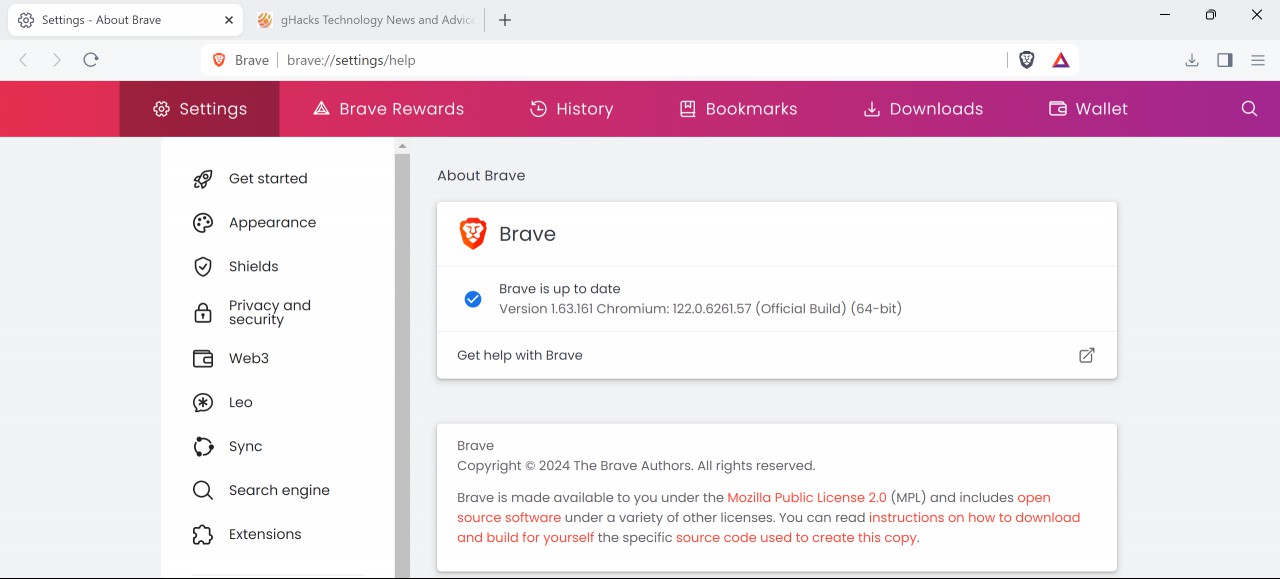
Brave should detect the new version at this point. The update is then downloaded and installed automatically. A restart is required to complete the installation.
Brave Browser 1.63: new features
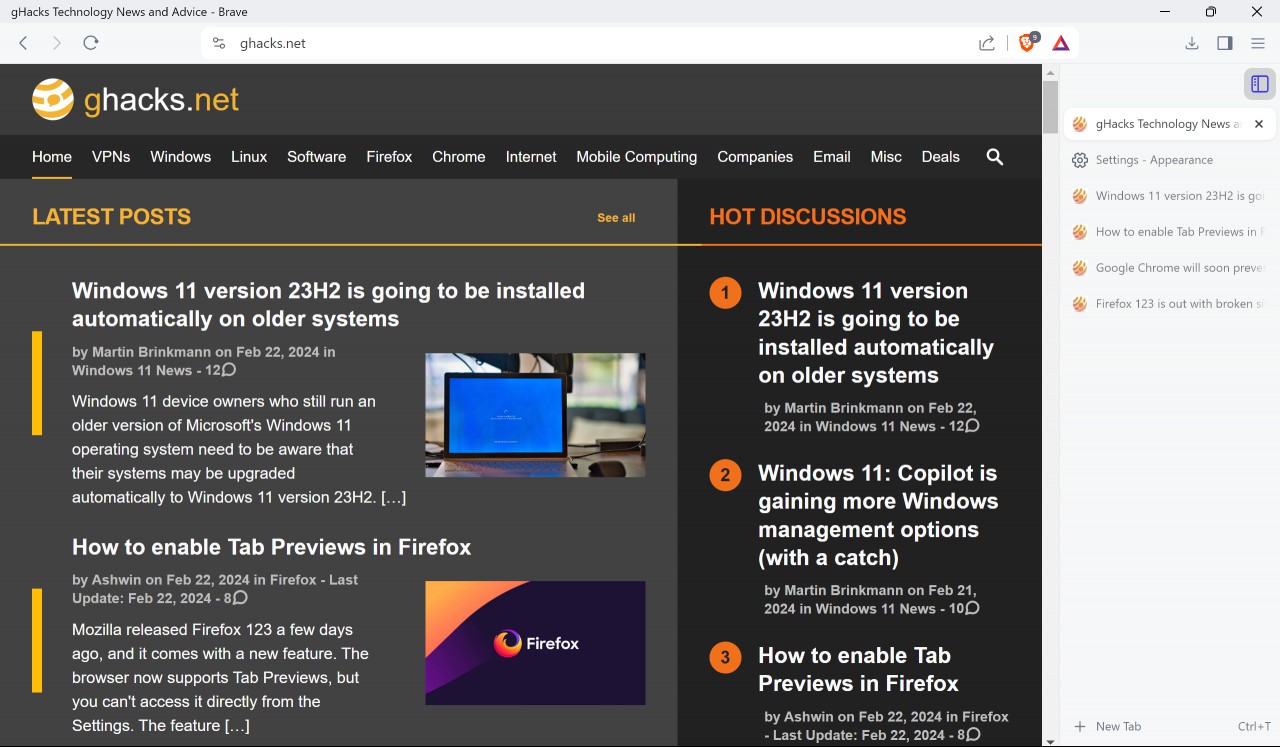
Brave Browser has supported vertical tabs for a long time. This feature moves tabs from the horizontal tab bar at the top to the side of the browser. Vertical tabs was limited to the left side of the browser up until now.
The update to Brave 1.63 changes this. Users may now display vertical tabs on the right side of the interface as well.
Go to Menu > Settings > Appearance > Tabs to configure the functionality. Toggle Vertical Tabs to enable or disable the feature.
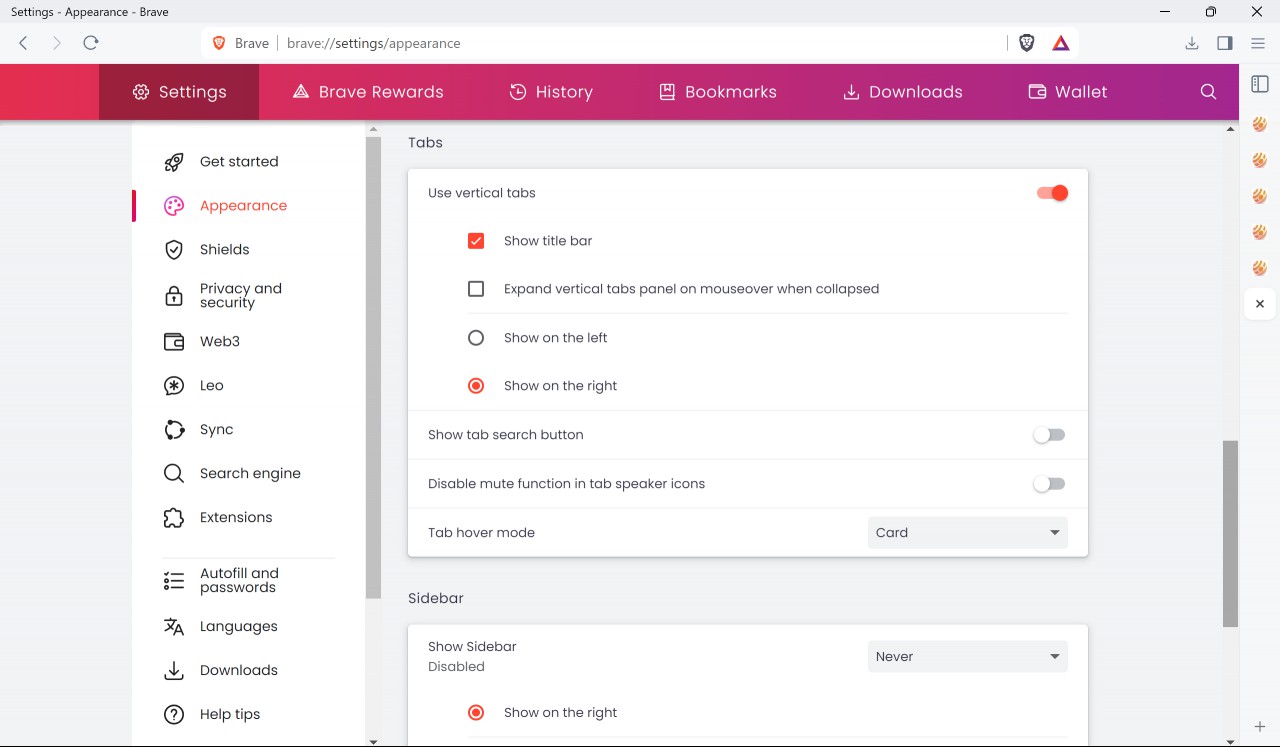
The new "show on the right" option is only displayed when vertical tabs are enabled.
Another new feature improves Brave's synchronization functionality. It supports the syncing of created tab groups now. Tab Groups are a killer feature in my opinion. Users who use sync may now sync these groups across their devices, which is certainly helpful.
Brave users who display bookmarks in the side panel of the browser find a new custom sort option there. This option displays bookmarks exactly the way they are set in other parts of the browser, e.g., the bookmarks manager.
Brave Leo
Brave introduced its AI Leo in Brave Browser 1.60 back in November 2023. Based on Meta's Llame2 13b model and with the option to pay to gain access to advanced models, Leo promises to assist users when using the browser.
I reviewed the page summary feature of Brave Leo back then. What I liked was the "suggested questions feature" and the ability to summarize foreign language content. Leo's capabilities, like those of any other AI available at the time, are limited though.
Brave 1.63 introduces several meaningful improvements. First, the ability to interact with PDF content and Google Docs content. This gives Leo access to PDF documents and Google Docs content loaded in the browser. In other words, it can summarize these and answer questions about them that you may have.
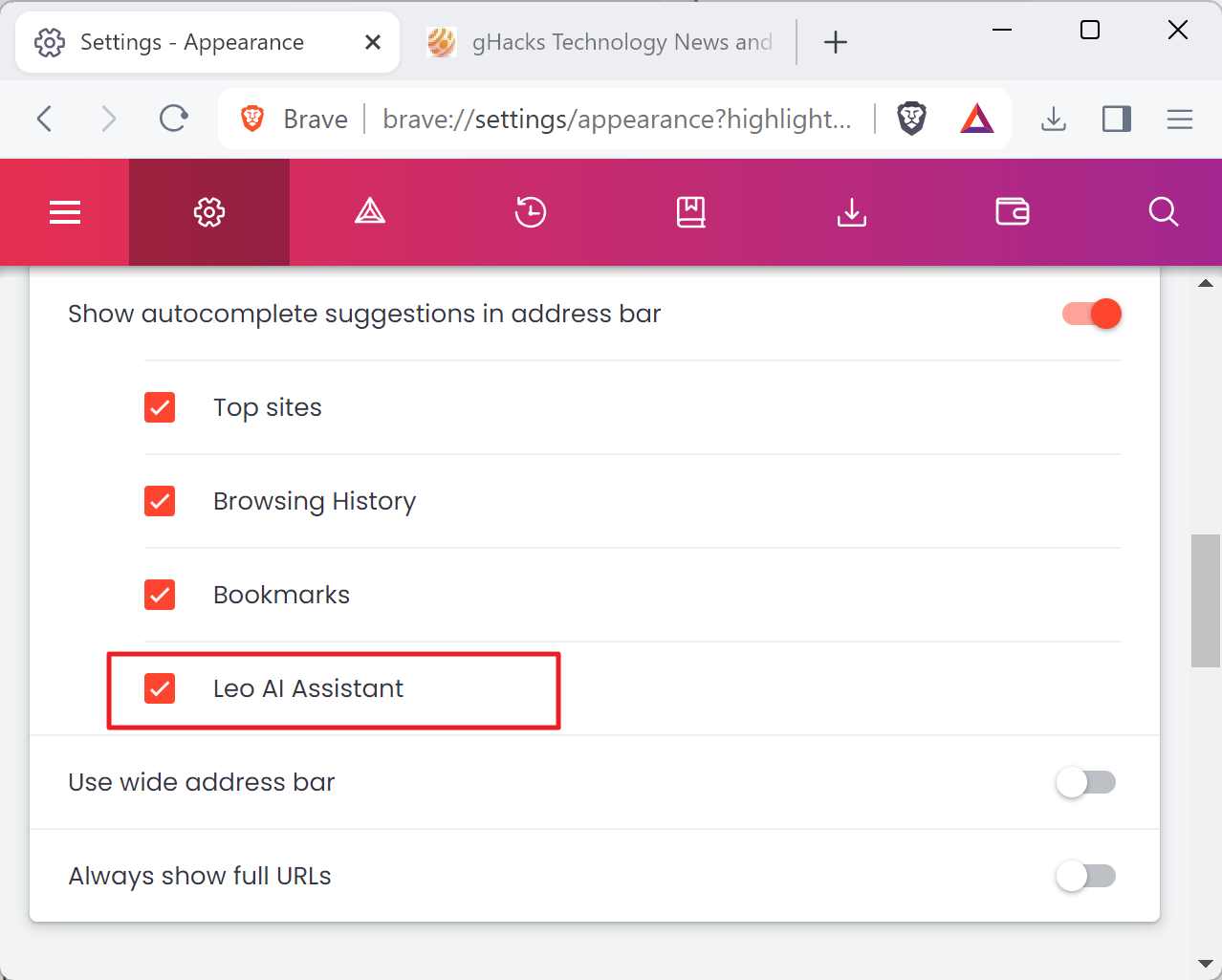
Second, an option to hide Leo AI Assistant suggestions in the address bar. If you don't use the AI in Brave, you may disable its suggestions in the Brave address bar.
Closing Words
Brave 1.63 introduces several interesting features and improvements. Vertical tabs users get the option to show the tabs on the right side of the browser, giving them more choice.
Brave Leo users may now use the AI with PDF and Google Docs content, something that they could not do before.
Brave updates include Web3 improvements as well. These are found in the official release notes.
Now You: do you use any of the listed features?
RECOMMENDED NEWS

Microsoft configures Windows Copilot to launch automatically on certain setups
Soon, Windows users who start their PCs may be greeted by Windows Copilot's interface when the syst...

Windows 11: Copilot is gaining more Windows management options (with a catch)
Microsoft released a new Insider build for its Windows 11 operating system to the Canary channel ye...

Ecosia browser released for Windows and macOS
Ecosia, the eco-friendly search engine, celebrated Earth Day by launching its web browser for deskt...

Apple's Major Siri Overhaul Delayed Until 2027 Amid Development Challenges
Apple's plans to release a significantly modernized version of its voice assistant, Siri, have enco...

Gmail's Gemini AI Now Adds Events Directly to Google Calendar
Google has introduced a new feature in Gmail that leverages its Gemini AI to streamline event sched...
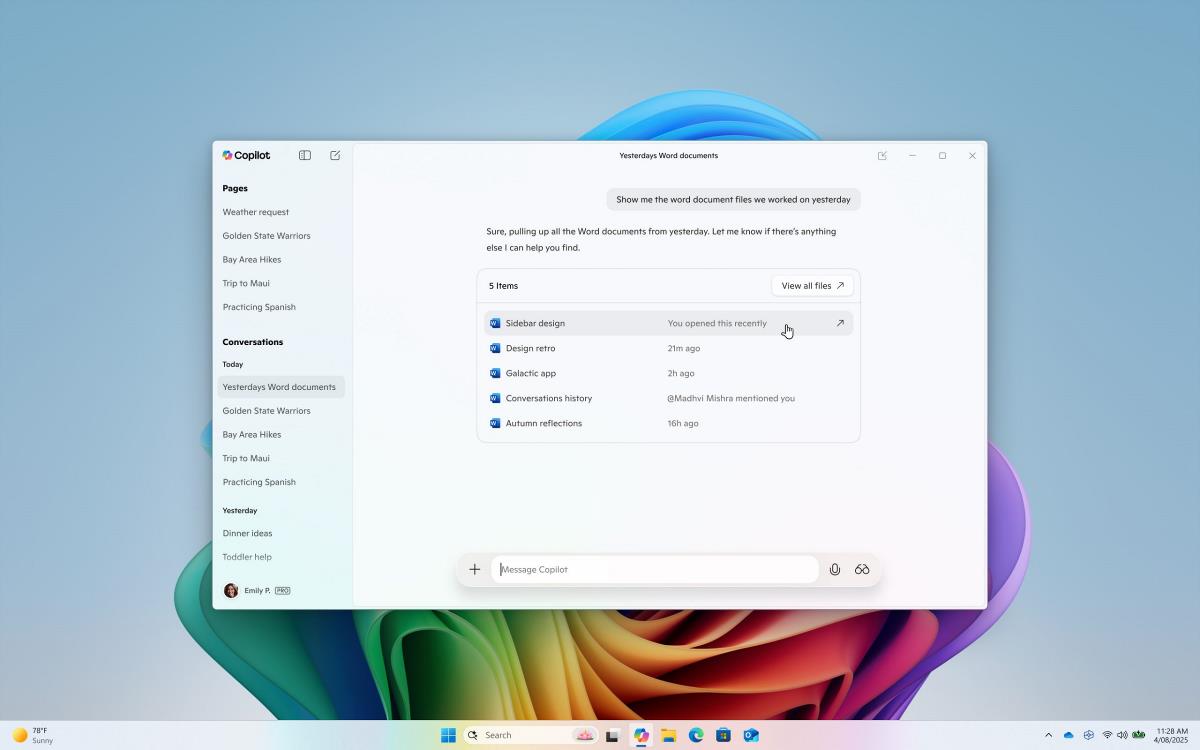
Copilot for Windows 11 gets improved file search and Copilot Vision
Microsoft has announced an important update for its Copilot app for Windows 11, introducing two use...
Comments on "Brave Browser 1.63 launches with vertical tabs on right support and more AI" :