Microsoft Copilot app for Android released; here's how it works
Microsoft has released a Copilot app for Android devices. We take a closer look at how the new A.I. chat app works.
The Redmond company has not abandoned the Bing chat app, it's still there. While Bing Chat is powered by OpenAI's GPT-4, Copilot combines GPT-4 and DALL·E 3 for a more enhanced experience.
Chat with Microsoft Copilot
Microsoft Copilot is quite similar to the ChatGPT app. It offers some ideas for you to start a conversation. Tap on it to interact with the chatbot. Or, you can ask it to generate some text content like a poem or song or essay, letters, mails, code, etc. The app displays the relevant information as it is generated, and presents them in an easy-to-read manner. It also links to the sources that were used to pull the data from.
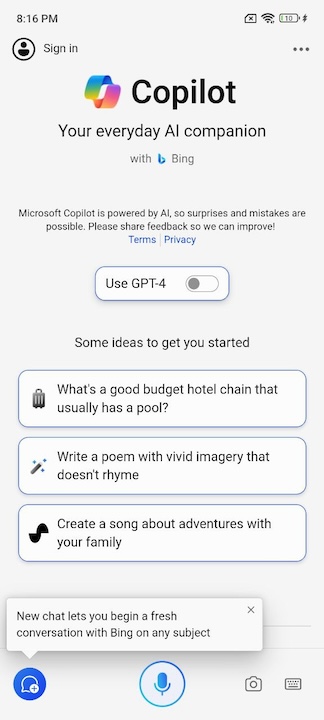
A conversation has a limit of 30 responses, after which you will need to start a new chat. The app displays some suggestions after every result, you may use it to continue the conversation, or tap on the keyboard button to type your query.
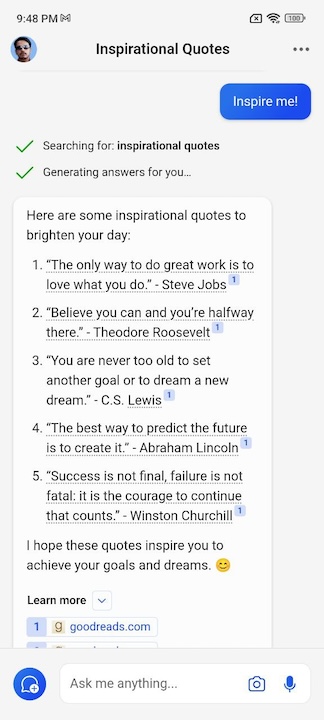
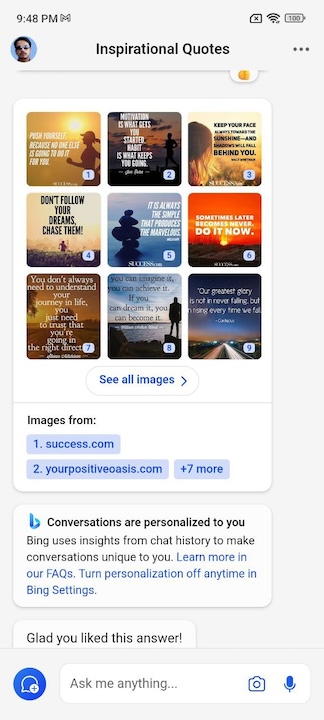
For example, you can ask Copilot to show some inspirational quotes, and it will show you a bunch of motivational quotes. It doesn't stop there, it also displays images that have inspirational quotes. So the experience is quite similar to a web browser than just a text-based chat app, which is quite impressive.
Tap the camera button to take a picture, and use it in the conversation with the chatbot. Or, you can tap on the microphone button at the bottom of the screen to use speech to dictate your query.
And there's more, Microsoft Copilot supports Image Creator, which is powered by Dall-E 3. In a nutshell, this allows you to use text prompts to generate art, logos, etc. The Copilot app has a toggle on the main screen to enable GPT-4 and its features, you can experiment with it. You can use the app without signing in to your Microsoft account, but the app offers limited interactions. When you sign in, you will be able to ask it more questions, and also use GPT-4.
Settings
Microsoft Copilot has a couple settings that you can customize. You may switch the theme to Light or Dark, or set it to follow the system theme. As for the language options, you can set the Country/Region to be used for the app, the display language and the speech language.
Built-in ad blocker
Surprisingly, the Microsoft Copilot app has a built-in ad blocker. In this case, it is Ad Block Plus. The ad blocker is not enabled by default.
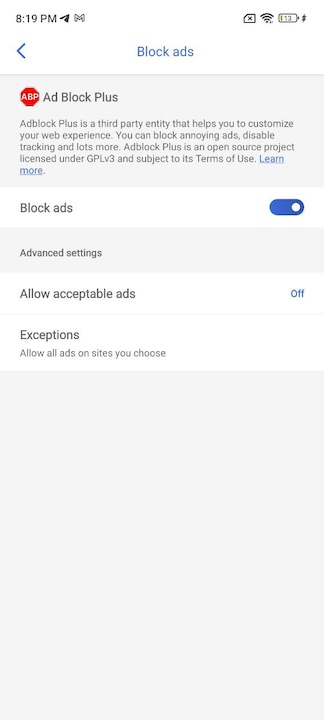
Head to the app's settings (tap on your profile picture in the top left corner), and then tap on Privacy > and toggle the button next to "Block Ads". You can optionally allow acceptable ads, or disable the ad blocker on specific sites. That's pretty much it, you can't customize the filter lists or access more advanced options. Still, it is a nice touch to have a decent ad blocker at your disposal.
The app's Privacy section has an option that lets you clear the app's data, and a setting to delete the account.
Download Microsoft Copilot for Android from the Google Play Store. The app is compatible with devices running on Android 11 and above. It is unclear when an iOS version of the app will be released.
RECOMMENDED NEWS

Tor launches WebTunnel Bridge as another way to bypass censorship
The Tor Project announced the immediate release of WebTunnel Bridge, a new way for Tor users to byp...
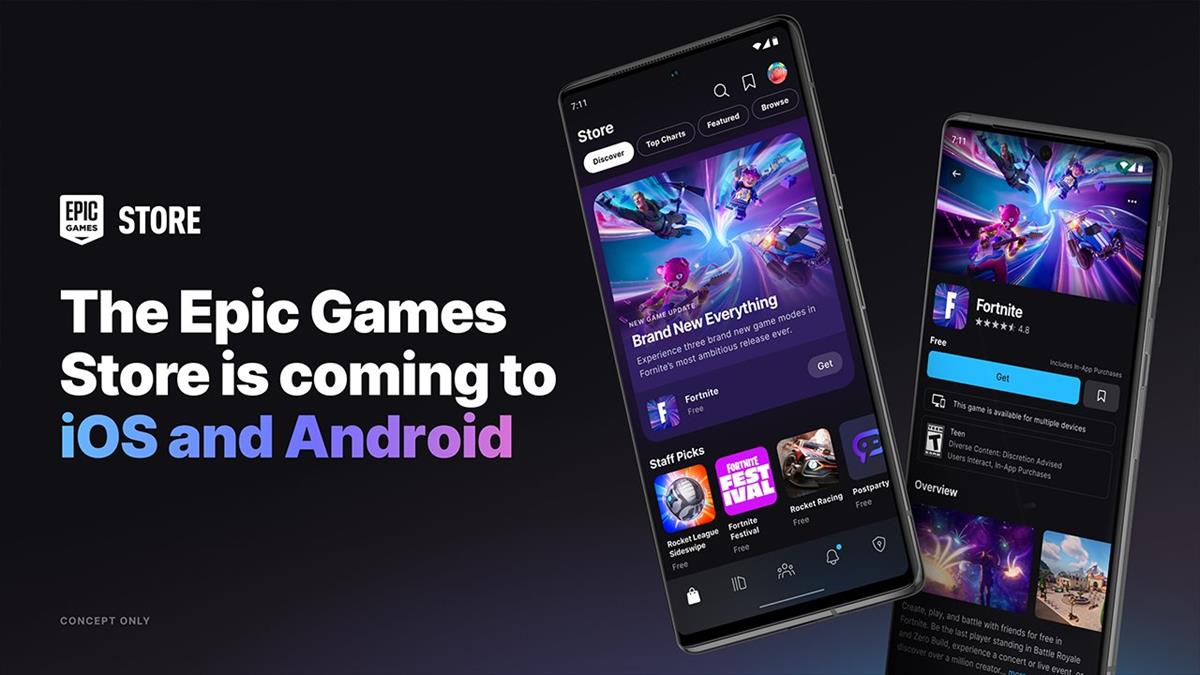
The Epic Games Store is coming to iOS and Android
The Epic Games Store is coming to iOS and Android devices. The announcement was made at the company...

Meet UI-TARS: The Open-Source AI Agent Taking Tech by Storm
As TikTok finds itself in a legal limbo in the United States, ByteDance is making significant strid...

Microsoft Confirms Build 2025 Dates: Here’s When to Tune In
Microsoft has officially announced the dates for its highly anticipated Build 2025 developer confer...

DOJ pushes for Google to sell Chrome to break search monopoly
The U.S. Department of Justice (DOJ) is intensifying its efforts to compel Google to divest its bro...

FTC v. Meta antitrust trial: Meta says it is not a monopoly
The antitrust trial between the U.S. Federal Trade Commission and Meta has begun. And Facebook's pa...
Comments on "Microsoft Copilot app for Android released; here's how it works" :