Please tune it down Opera!
Opera stands out as a popular choice for users seeking a fast, secure, and feature-rich browsing experience. However, one aspect of Opera that can sometimes be bothersome is the startup sound that plays when the browser is launched.
While this sound may not be intrusive to everyone, there are certain situations where muting it is preferable, such as in quiet environments or when working late at night or you just don't like the sound itself.
Users of Reddit have created a post about how to turn off Opera startup sound, and they seem to be still searching for answers.
Disable startup sound on Opera One
byu/souldog666 inoperabrowser
If you are among the ones who wonder how to turn off Opera startup sound, we have good news. You are at the right place!
How to turn off Opera startup sound
The Opera startup sound is a brief melody that plays when the browser is opened. It serves as an auditory cue to indicate that Opera is ready for use.
While some users find this sound to be a pleasant addition, others may find it distracting or unnecessary.
Unfortunately, Opera doesn't provide a built-in setting to disable the splash screen. However, there are a couple of workarounds that you can use to get rid of it.
Here is how to turn off Opera startup sound:
Method 1: Using a Hidden Flag
- Open Opera and type opera://flags in the address bar
- In the search bar, type intro
- Select Disabled from the dropdown menu next to Opera One introduction
- Click Relaunch now to restart Opera
This method should disable the splash screen and startup sound permanently.
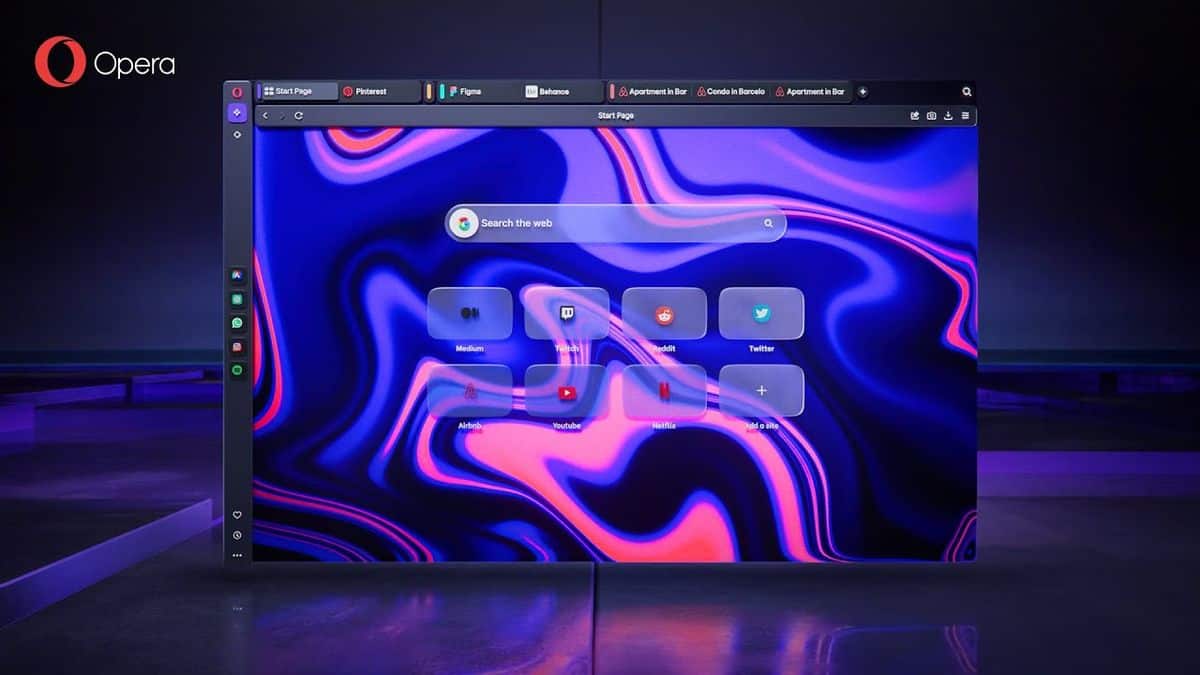
Method 2: Deleting the Splash Screen File
Even tough the first method seems to work for most of the users, some of Opera GX users have reported that this method only temporarily disables the Opera startup sound.
But luckily, there is another answer to how to turn off Opera startup sound:
- Open File Explorer and navigate to C:\Users\[User Name]\AppData\Local\Programs\Opera\[Version Number]
- Delete the opera_gx_splash.exe file
This method will permanently remove the splash screen file, but you will need to repeat the process each time you update Opera.
The Opera team might be working on a preference to disable or remove the splash screen in future versions of the browser. The preference might be available in Opera 106 and later versions.
RECOMMENDED NEWS
Soon, Google has even more leverage against adblockers
Google plans to roll out Manifest V3, a new rules system for browser extensions, by mid 2024. The o...
Microsoft releases the April 2024 Security Updates for Windows
The April 2024 security updates for Windows are now available. Microsoft released the security upda...

Meet Operator: The Advanced AI Tool That Can Make Purchases and Manage Expenses
OpenAI has unveiled "Operator," an advanced AI agent designed for autonomous online task execution,...
Microsoft Confirms Build 2025 Dates: Here’s When to Tune In
Microsoft has officially announced the dates for its highly anticipated Build 2025 developer confer...
YouTube Premium Lite Launches in the US for $7.99 a Month
As expected, YouTube has officially launched its Premium Lite subscription in the United States for...
Finally! Microsoft is making AI useful in Windows by introducing AI agents
When Microsoft announced the first batch of AI features in Windows last year, it did not introduce ...
Comments on "Please tune it down Opera!" :