Microsoft adds games that you can play without download to the Microsoft Store
Microsoft has just launched a new feature in the official Microsoft Store that allows users to play games instantly on the Store.
Select games do not have to be installed anymore to start playing them. One of the ideas behind the feature is to use the feature to preview games.
Up until now, all you got when you opened the Store page of a game was its description, some screenshots and maybe videos. These are useful to get a first impression, but nothing beats playing the game to find out if you like it.
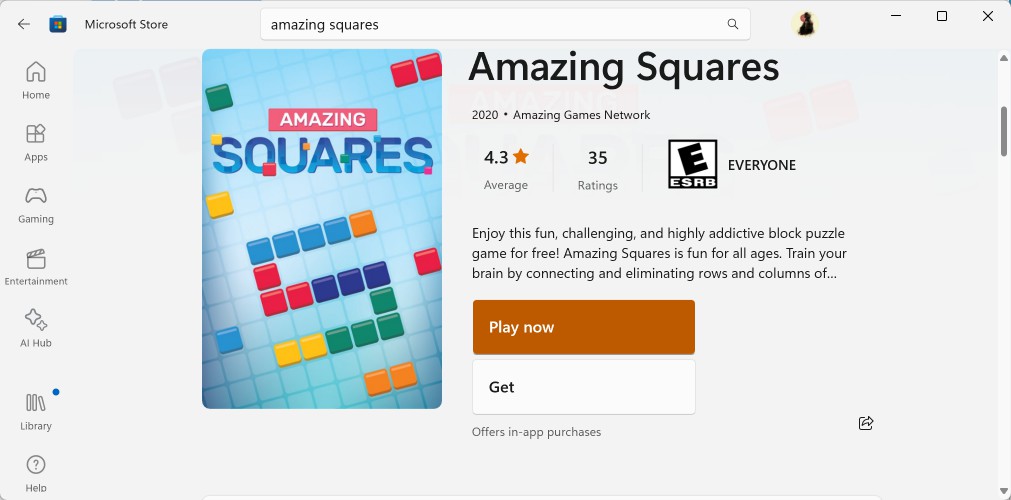
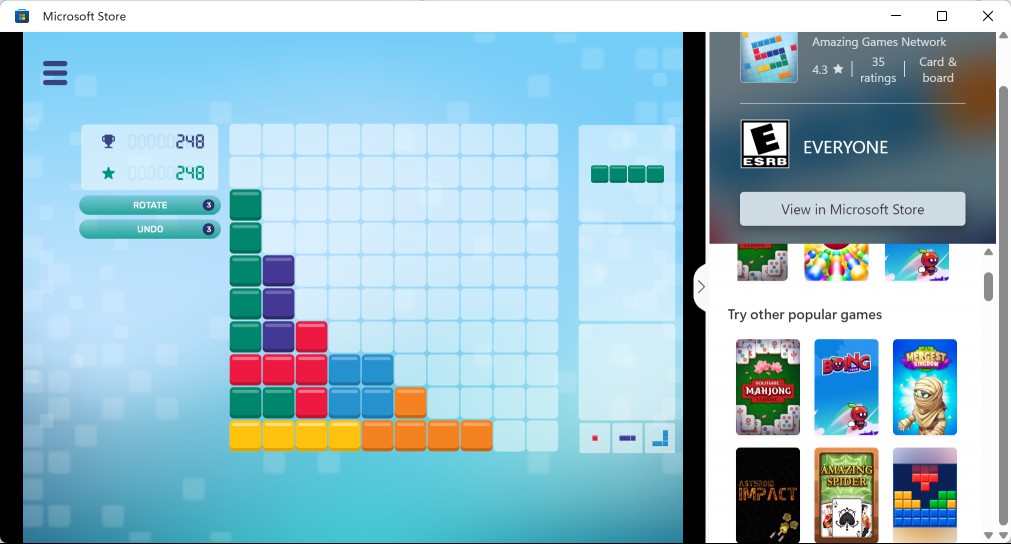
That's where the new Arcade feature comes into play. Select games feature a play now button prominently on their store pages. Activate that button and a new window pops up. The loading of the game may take a moment, depending on the Internet connection and device,
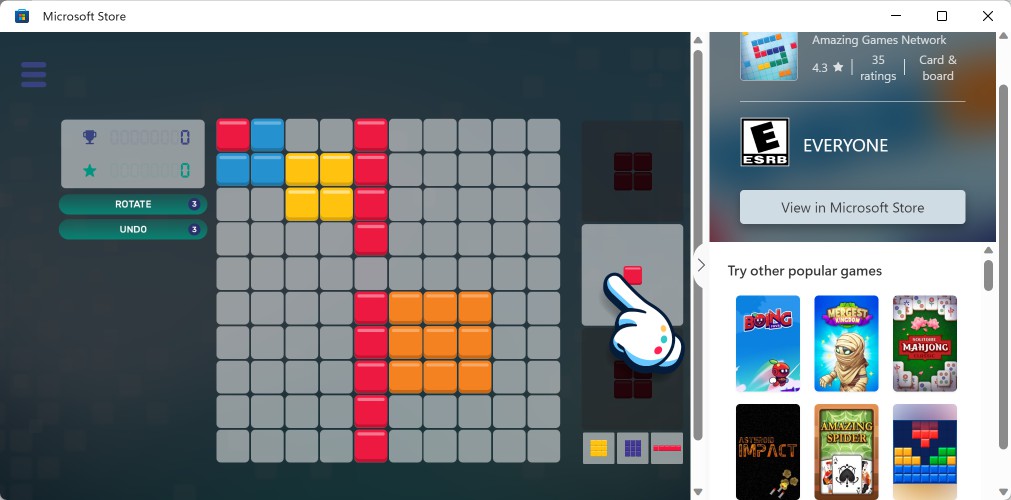
The title of the game window is "Microsoft Store" and it features a sidebar. There you find basic information about the current game and the list of other games that you can play without installation.
A click on any of these games launches it in the main window and you may start playing it right away. As you can imagine, the majority of these games are rather simplistic in nature. Do not expect Baldur's Gate 3 or Cyberpunk 2077 on the list.
Games like Amazing Jewels, Amazing Bubble Breaker, or 2020 Connect are casual game. They have a small size and similar games can also be found on many online gaming websites such as Crazy Games or Poki.
Some instant games on Microsoft's Store seem to deliver only the "start" experience in an instant fashion. These have "Start Game" in the title to highlight this.
Tip: did you know that you may use winget to install Microsoft Store apps?
How to access these instant games?
You have two main options to access these games. The first option works through the play now button. Find one game that supports the feature and start it. All other games are listed on the sidebar of the window that opens.
Just browse the selection of games there and click on any to start it.
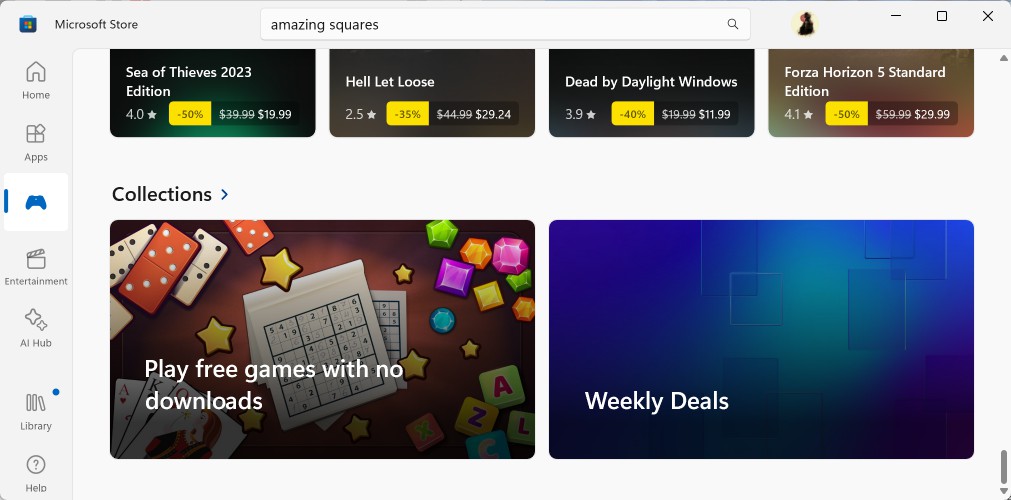
The second option requires some navigating. Open the Microsoft Store and then the Games section. Make sure you use the official Microsoft Store app and not the website.
Scroll down until you come to the Collections section. You should see a collection called "Play free games with no downloads".
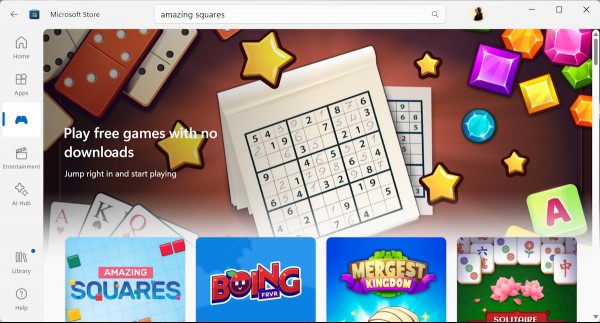
Click on the collection and you get the list of all games that you can play immediately on the Microsoft Store. Progress is saved, if the game supports it.
Most, if not all, of the games feature apps or in-game purchases. Still, some Windows users may like the option to jump into a game right away without having to install these games first. While the installation of these small games should not take long either, some may prefer not to install games on their devices.
Are there any game worth playing?
It comes down to personal taste, but some objective criteria do exist. If you like Mahjong, you could try Solitaire Mahjong Classic.
There is also Amazing Squares, which plays like a less-punishing variant of Tetris.
Closing Words
Directly playable games on the Microsoft Store is a useful feature. Yes, games are limited, both in number and type, but that does not change the fact that it is a useful option to preview a game.
Most app stores support instant games. Google calls these Google Play instant on Android and supports apps and games. It is possible that Microsoft is going to introduce the functionality to apps as well.
The feature won't convince users who avoided the Microsoft Store like the plague to give it a try, but it may be useful to users who use it.
Microsoft changed its stance on the Store in 2021. It was then that the company allowed non-UWP apps in the Store. This brought a range of popular programs, Firefox, LibreOffice and others, to the Store.
Now You: do you use the Microsoft Store?
RECOMMENDED NEWS

Google Chrome will disable third-party tracking cookies for some users in January 2024
Google has announced that it will disable third-party tracking cookies for some Chrome users, begin...

How to send files between Windows and Android using Link to Windows
Remember the time when you had to connect your smartphones via a cable to your PCs to transfer file...

Here is why App Updates from Google Play may feel like they install faster now
Google has tweaked how application updates are downloaded from the official Google Play Store. Whil...
Thunderbird email support won't be extended for older Windows and Mac systems
Users of the open source email client Thunderbird who still run it on old versions of Windows or Ma...

Opera plans continued support for classic extensions in the browser
Opera Software released Opera One R2 this week. The new stable version of Opera comes with a large ...

A look at Firefox's improved Profiles Manager that just launched
Firefox has supported profiles for a very long time. This may come as a surprise to many users, as ...
Comments on "Microsoft adds games that you can play without download to the Microsoft Store" :